
At the end of a shift, Spark shows you a total. It's a good number to see. But it isn't what you kept.
Your car drove every one of those miles. You spent time getting to the first store and getting home after the last drop-off. None of that shows up on the screen. Your real hourly rate is what's left after the miles, divided by every hour the shift took.
It's the one number that tells you if a shift was worth it. Here's how to find it.
Step 1: Count the whole shift, start to finish
Hours online isn't your working time. Your shift started when you pulled out of your driveway and ended when you pulled back in.
Write down 2 times:
- When you left home
- When you got back
That's your real shift length. If you were online for 4 hours but spent 30 minutes driving to your zone and back, your shift was 4.5 hours.
Step 2: Put a price on your miles
Every mile costs you something: gas, oil changes, tires, wear on the car. Most drivers never add it up, so here's a shortcut.
The IRS sets a standard mileage rate that stands in for the cost of operating your car. For July 1 to December 31, 2026, it's 76¢ a mile. It's not a perfect match for your car, but it's a fair, published number to start with.
Check your odometer when you leave and when you get back. Multiply the miles by 76¢.
Want your own number instead? Keep every gas receipt and repair bill for a month, add them up, and divide by the miles you drove that month. Some cars come in under the IRS rate, some over.
Step 3: Do the math
Here's the formula:
(Total pay − mile cost) ÷ shift hours = your real hourly rate
A worked example
Say a shift pays $120. You were online for 4 hours, and with the drive there and back the whole shift took 4.5 hours. You drove 60 miles.
- Mile cost: 60 × 76¢ = $45.60
- What's left: $120 − $45.60 = $74.40
- Real hourly rate: $74.40 ÷ 4.5 = $16.53 an hour
If you'd divided $120 by your 4 hours online, you'd have thought you made $30 an hour. The real number is a little more than half that.
Now compare a smaller shift
Another day, a shift pays $95. It takes 3 hours start to finish, and you drive 28 miles.
- Mile cost: 28 × 76¢ = $21.28
- What's left: $95 − $21.28 = $73.72
- Real hourly rate: $73.72 ÷ 3 = $24.57 an hour
The smaller shift paid $25 less and was worth about $8 more an hour. That's the whole point. A bigger total doesn't always mean a better shift.
These are example numbers to show the math, not what any driver should expect to earn.
Want this on one page? The free Earnings Maximizer has the real hourly rate formula and a 5-second offer filter. Get the free guide →
What to do with your number
Once you've worked out your real rate for a week of shifts, patterns show up fast:
- Which times of day pay best once you count the miles
- Which stores keep you waiting and drag your hourly rate down
- Which drop-off areas send you far from home and cost you on the drive back
That's what lets you decline offers with confidence. You're not guessing anymore. You know what a good shift looks like for you.
One more thing: this is before taxes
Your real hourly rate is what you kept before taxes. As a 1099 driver, nobody takes taxes out of your pay, so it's on you to set some aside. The good news is that the miles you log for this math are the same miles that lower your tax bill. Track them once and they work twice.
Quick recap
- Count your whole shift, driveway to driveway.
- Multiply your miles by 76¢ (or your own cost per mile).
- Subtract that from your pay and divide by your hours.
- Do it for 1 week. You'll never look at an offer the same way again.
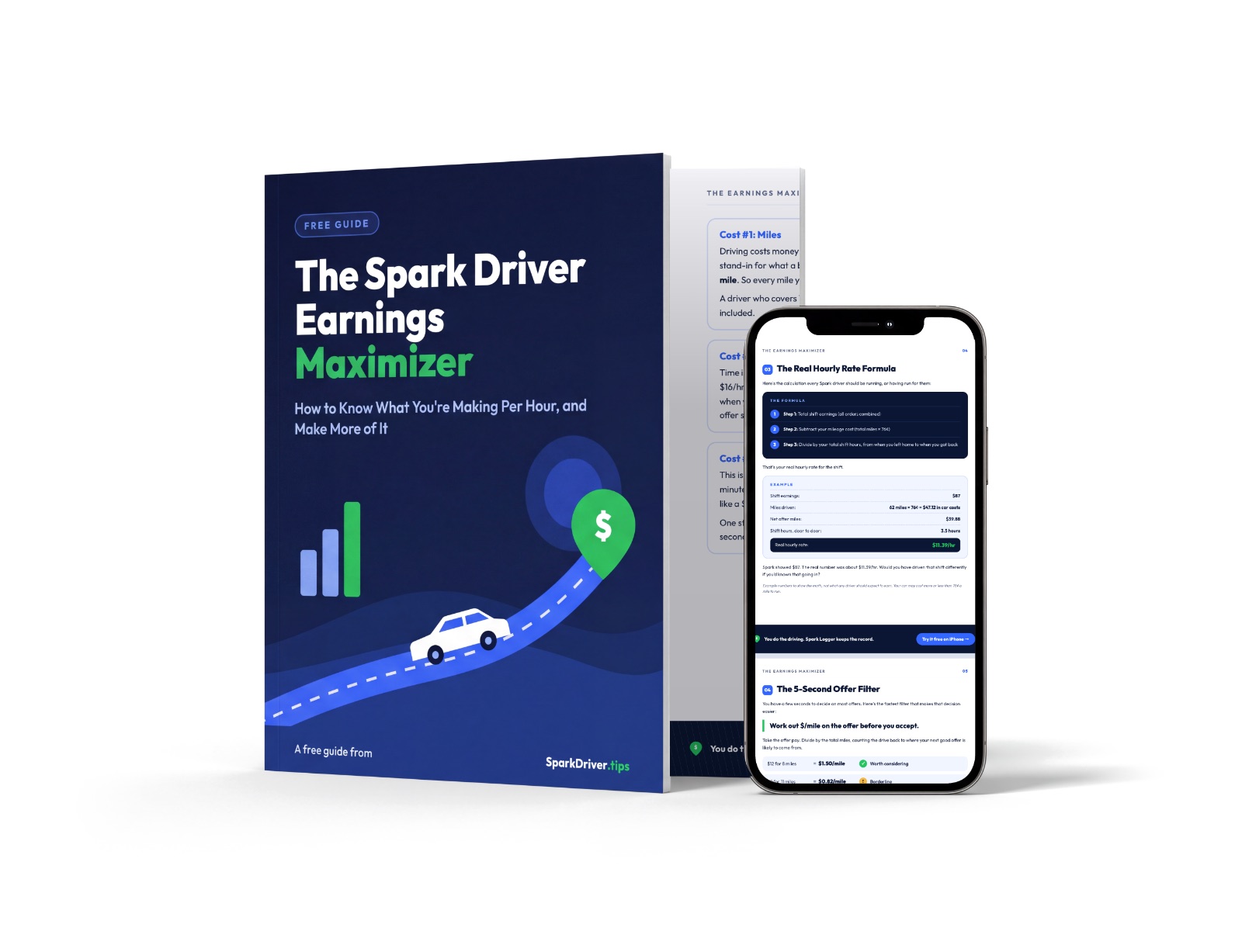
Know what you make per hour, after miles
- The real hourly rate formula
- A 5-second offer filter
- The worst-stop rule for batches
Sources: IRS standard mileage rates · IRS Publication 463